Ask any tax preparer what the busy season looks like. Piles of PDFs, mismatched totals, and clients asking about refunds arrive all at once. Small business owners deal with their own version: receipts in shoebox apps, 1099s that show up late, and a nagging worry that something got missed.
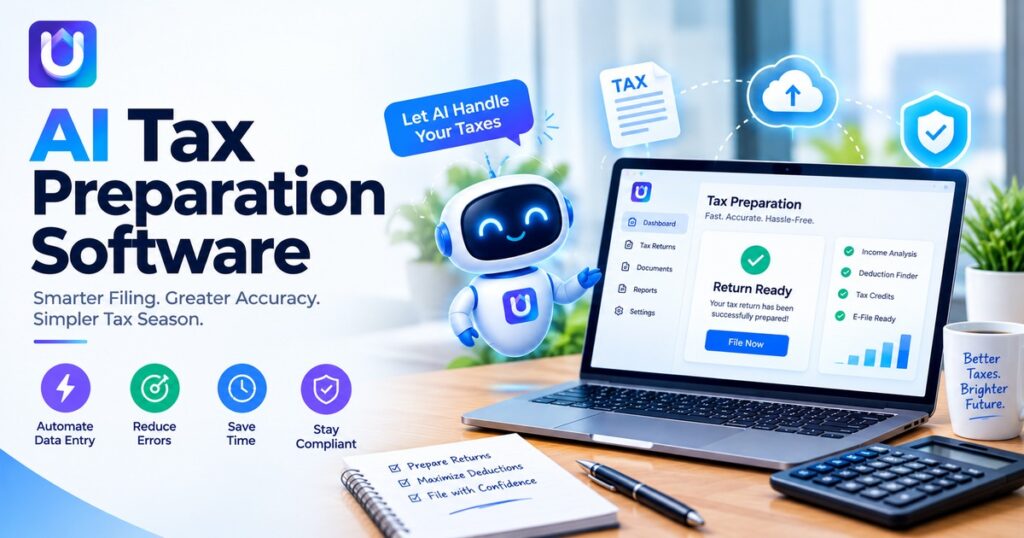
AI tax preparation software aims to take the repetitive parts off your plate. This guide explains how it works, who benefits, and where it falls short.
What AI Tax Preparation Software Does
Most tools handle four jobs:
- Document reading. The software pulls figures from W-2s, 1099s, and receipts, so no one retypes them.
- Sorting. It places income and expenses into the right categories.
- Error flags. It points out missing forms, odd totals, or entries that do not match last year.
- Plain-language help. Some tools answer questions in everyday words instead of tax jargon.
Think of it as a fast assistant that prepares a first draft. A person still decides what goes on the return.
Why Accuracy and Timing Matter
The IRS reported that over 98 percent of individual returns in the 2026 filing season were filed electronically, out of more than 78 million returns. Electronic filing is the standard, and software sits at the center of it.
Late filing also has a price. The IRS failure-to-file penalty is 5% of unpaid tax for each month or partial month a return is late, capped at 25%.
For 2025 returns, a return filed more than 60 days late faces a minimum penalty of $525 or 100% of the tax owed, whichever is less. Tools that shorten preparation time can help people meet deadlines.
AI Tax Preparation for CPA Firms
Firms care less about a friendly interface and more about throughput and control. Common uses include:
- Client intake. Software sorts uploaded documents and flags what is missing.
- Workpapers. It drafts schedules and ties figures back to source documents.
- Review support. It highlights unusual items so a senior preparer can focus there.
- Client communication. It drafts routine status updates for a person to approve.
The licensed professional is accountable for any return signed by them. The firm needs to search for technology which keeps track of the changes made by the AI and the reasons behind it.
Best AI Tax Software for Small Business: What to Compare
No tool wins for every business. A sole proprietor with one income stream needs something different from a company with employees and inventory. Compare options against this list:
- Form coverage. Check for Schedule C, 1099-NEC, 1099-K, and depreciation support if you need them.
- Explanations. Does the tool show why it flagged or changed something?
- Imports. Can it connect to your bank or bookkeeping platform?
- Security. Look for encryption, two-factor login, and a clear privacy policy.
- Human backup. Can you reach a real tax professional when the software cannot settle a question?
- Pricing. Check for extra charges for state returns or added forms.
The market includes long-established names and newer platforms such as uptax.ai, so apply the same checklist to each one.
Where Tax Software AI Falls Short
Speed is useful, but these tools have limits:
- Misread documents. A blurry photo or an unusual form layout can lead to a wrong entry.
- Rule changes. Tax law shifts, and a tool may lag behind new guidance.
- Missing context. The software cannot know about a side deal, a family change, or a business sale unless someone tells it.
- Over-reliance. People may skim a polished draft and miss a mistake.
Complex situations, such as income in several states, an open IRS notice, or a large asset sale, usually call for a licensed professional.
How to Test a Tool Before You Commit
You can check a product with a short trial:
- Run last year’s return and compare the result with what you filed.
- Ask the tool to explain three of its entries.
- Read how the vendor stores and shares your data.
- Contact support with a real question and note how fast and how well they answer.
If a tool fails any of these, keep looking.
Also reads: https://blogpulseguru.com/ai-powered-tax-software-what-to-know-before-you-file/
The Takeaway
AI won’t be able to substitute judgment, yet it will be able to take care of most of the manual tasks impeding tax filing. Select an application that will explain its workings, secure your data, and make sure you have the ability to contact someone should any questions arise. Then use it just as you would any first draft.
Frequently Asked Questions
What is AI tax preparation software?
It is software which uses machine learning to interpret tax forms, categorize numbers, detect mistakes, and help users navigate their returns. It drafts the tax form, and someone then verifies it.
Is AI tax software accurate?
It reduces typing mistakes and helps detect errors, but the precision of results is determined by the quality of your documents and up-to-date tax rules of the program. Check the tax return at the end.
Can small businesses use AI tax software instead of a CPA?
Some simple returns can be handled with software alone. Businesses with employees, inventory, or multi-state activity often benefit from professional review.
Do CPA firms use AI for tax preparation?
Many firms use AI for intake, document sorting, and review support. The signing professional stays responsible for the filed return.
Is it safe to upload tax documents to an AI tool?
Safety depends on the provider. Look for encryption, strong login protection, and a clear policy on data storage and sharing, and read the privacy policy before you upload anything.