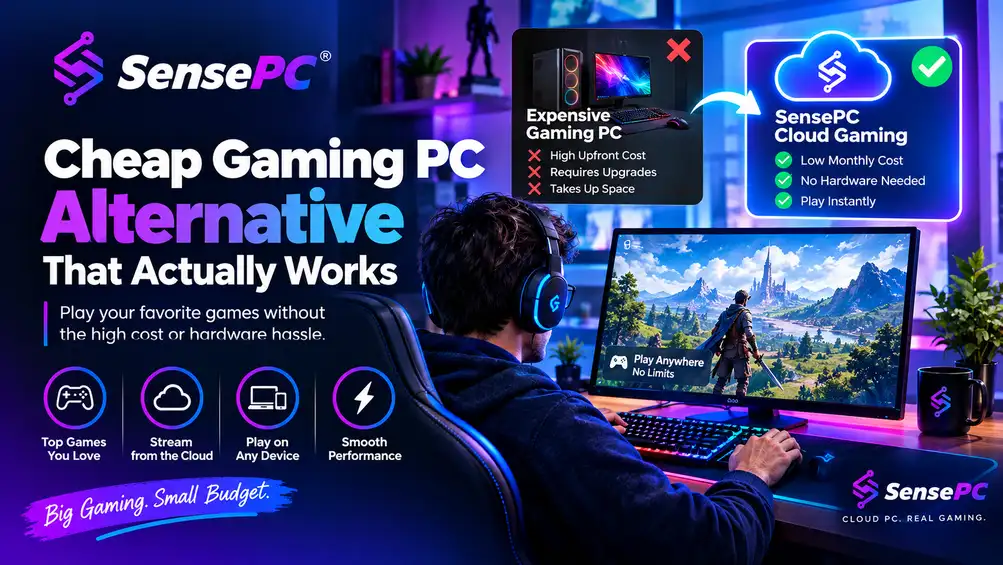
PC gaming has traditionally required a capable local computer with enough processing power and graphics performance to run modern games. Cloud computing offers another approach by moving much of that hardware to remote data centers.
A cloud game service allows players to access remote computing resources and stream gameplay to a compatible device. Instead of upgrading a local PC every few years, users can access a remote gaming environment equipped with suitable hardware.
What Is a Cloud Game Service?
A cloud game service provides remote infrastructure for running and streaming games. The game itself is processed on a cloud server while video output is delivered to the player’s device over the internet.
The player’s keyboard, mouse, or controller inputs are transmitted back to the remote computer. This creates an interactive gaming session without requiring the local device to perform all of the graphics processing.
Different services use different models. Some provide access to a predefined game library, while others offer a complete remote computer where users can install compatible games and applications.
Cloud Gaming Services for Fortnite
Cloud gaming services for Fortnite can be useful for players who don’t have a gaming PC capable of running the game locally.
Fortnite’s performance depends on factors such as graphics settings, hardware configuration, and network conditions. When using cloud gaming, the remote computer handles the game’s processing while the local device primarily receives the streamed video.
However, competitive games can be particularly sensitive to latency. Players should consider the location of the cloud server, their internet connection, and the service’s streaming performance before choosing a platform.
Game availability can also vary between providers, so users should confirm that Fortnite is supported in their region and on their chosen service.
What Is a Windows Cloud PC?
A Windows cloud PC is a remotely hosted Windows computer that users access through the internet.
Unlike a service that only streams a particular game, a Windows cloud PC can provide a broader desktop environment. Depending on the configuration and provider, users may be able to install compatible applications, game launchers, productivity software, and other programs.
This makes a Windows cloud PC useful for more than gaming. The same environment may also support remote work, software development, creative applications, and other computing tasks.
Why Does a GPU Cloud PC Matter?
A GPU cloud PC provides access to remote graphics processing hardware. GPUs are important for gaming because they handle much of the graphical workload involved in rendering modern games.
For users without a powerful local graphics card, a cloud PC with suitable GPU resources can provide access to higher-performance computing remotely.
However, GPU specifications shouldn’t be considered in isolation. CPU performance, RAM, storage, server location, network latency, and the provider’s infrastructure also affect the overall experience.
What Should You Check Before Choosing a Cloud Game Service?
Before signing up, gamers should compare:
- GPU and CPU specifications
- Available RAM and storage
- Server locations
- Network requirements
- Supported games
- Windows access
- Pricing and billing options
- Session or usage restrictions
- Device compatibility
A service that works well for casual gaming may have different requirements from one intended for competitive gaming or demanding AAA titles.
Exploring SensePC
SensePC provides cloud-based PC environments designed for gaming and other demanding computing workloads. A cloud PC can give users access to remote resources without requiring an equivalent high-end physical computer at home.
For gamers comparing cloud game services, evaluating the available GPU, Windows environment, network performance, pricing, and supported use cases can help identify a suitable setup.
Cloud gaming isn’t a replacement for every physical gaming PC. However, for users who value flexibility and remote access, a NVIDIA cloud gaming PC with appropriate GPU resources can provide another way to experience PC gaming.