This is every CPA’s nightmare. You have stacks of client paperwork coming in, everyone is retyping the same numbers, and then you find a typo at 11pm! While this task isn’t difficult it can be very repetitive leading to lost time and accuracy.
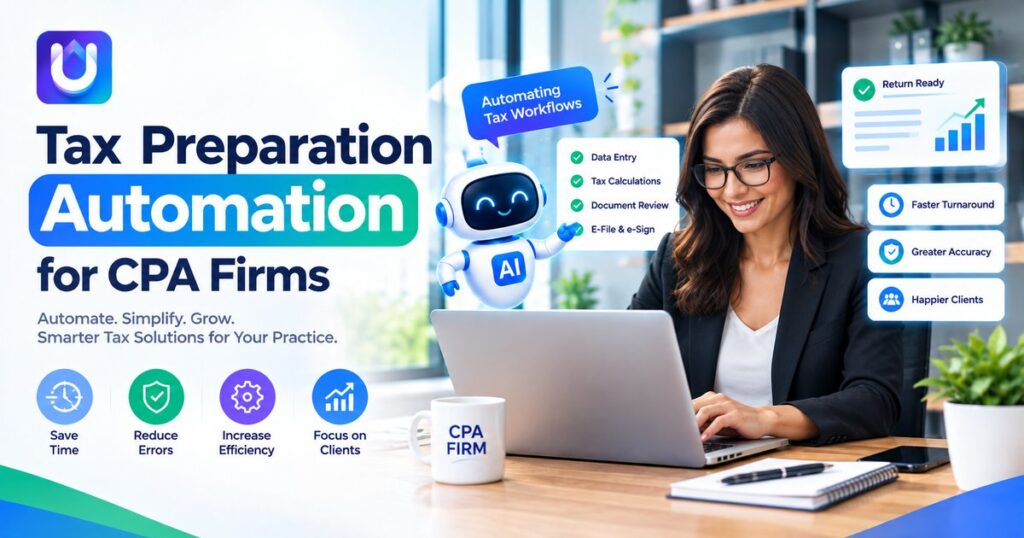
Tax preparation automation for CPA firms targets that repetition directly. This guide explains what it covers, where it pays off, and how to judge tools without getting lost in sales talk.
What Tax Preparation Automation Actually Means
Automation means software does the repeatable steps, and people handle the judgment calls. That includes collecting client documents, pulling figures from W-2s, 1099s, and K-1s, and moving that data into the return.
It also includes basic controls such as picking up missing forms or large changes in numbers from last year. Again you are in control of what you do with each item. The software will just make it quicker and cleaner for you to have the information.
Think of it as a very fast assistant who never tires of typing but never signs a return.
Where Manual Work Costs CPA Firms the Most
Most firms feel the pain in three places:
- Client intake: chasing documents by email, phone, and text.
- Data entry: keying numbers from PDFs and scans into tax software.
- Review prep: tying out figures and building workpapers by hand.
Staffing makes this harder. Fewer people doing the same volume of work means every hour saved matters.
Tasks Worth Automating First
Do not try to automate everything at once. Most firms see the fastest payoff in this order:
- Document collection. Secure client portals with checklists and automatic reminders.
- Data extraction. Software reads source documents and fills in fields.
- Prior-year comparisons. Automatic flags for large changes or missing income sources.
- Review support. Variance reports and organized workpapers for the reviewer.
- Status tracking. A dashboard showing which returns are waiting on clients, preparers, or reviewers.
Pick one, run it through a full filing season, and compare hours before and after. Real numbers from your own firm beat any vendor claim.
What to Look For in Tax Filing Software for CPA Firms
Searching for the best tax filing software for CPA firms can turn up dozens of options that all sound alike. A short checklist cuts through the noise:
- Integrations: Does it connect with your current tax engine, practice management, and document storage?
- Accuracy controls: Can a preparer see where each number came from and correct it?
- Audit trail: Is every change logged with a user and a timestamp?
- Security: Look for encryption, role-based access, and compliance with the FTC Safeguards Rule and IRS Publication 4557 guidance.
- Support and training: Will someone answer the phone in February?
Ask for a trial using your own anonymized client data. A polished demo hides a lot.
Where AI Fits In
Newer platforms add AI to read messy documents, suggest classifications, and catch inconsistencies. If you are comparing the best AI tax filing software, ask how the tool shows its reasoning and whether a human can override every output.
Platforms such as UpTaxAI are built around this idea, pairing automation with preparer review so professionals stay in control. whatever you choose, treat AI output like work from a new hire. Useful, fast, and always reviewed.
Common Mistakes When Rolling It Out
Firms that struggle with automation usually make the same errors:
- Buying tools before mapping the current workflow.
- Skipping staff training because busy season is “too close.”
- Trusting extracted data without spot checks.
- Ignoring client communication, so clients keep emailing documents the old way.
A small pilot with two or three preparers avoids most of these problems.
The Takeaway
Automation is only useful if your process is already working well. It will make your process quicker and reduce the fatigue in the process. Measure where you are losing the most time and ensure you have a licensed professional managing all returns.
Firms who automate well will spend their time on providing valuable services to their clients by giving advice.
Also reads:https://blogpulseguru.com/complete-guide-best-ai-tax-software-for-small-business/
Frequently Asked Questions
What is tax preparation automation for CPA firms?
It is the use of software to handle tax tasks such as document collection, data extraction and preliminary checks. Preparers and reviewers still make the decisions.
Will automation replace tax preparers?
No. It cuts down on typing and sorting. It doesn’t replace professional judgment. Most firms use the time they save for review, planning and advisory work.
How do I choose tax preparation software for CPA firms?
I suggest you compare integrations, accuracy controls, audit trails, security practices and support. Test with sample data before committing.
Is AI tax software safe for client data?
It depends on the vendor. Confirm your obligations under IRS rules and confirm your own obligations under FTC rules.
How long does implementation take?
A single-workflow pilot can start in a few weeks, while a firm-wide rollout often takes a full season. Start outside peak months if you can.