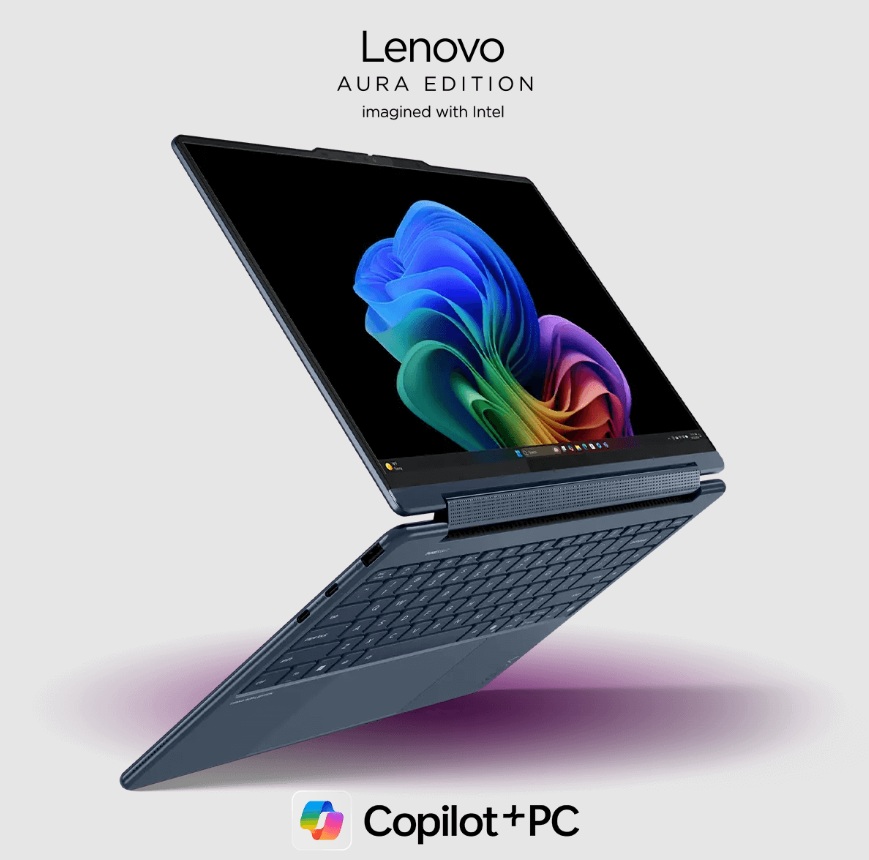
Artificial intelligence now runs many daily digital tasks. Smart photo tools, voice assistants and real-time translation all use AI engines. Because they are capable of this change, laptop hardware also evolves fast.
A recent report from a new IDC forecast shows shipments of artificial intelligence (AI) PCs growing to more than 167 million units in 2027.
This fast growth shows that users now want devices that can run machine learning models directly on the device. Cloud computing still helps, but local processing gives faster results and better privacy. That shift brings new hardware inside modern devices.
A strong AI laptop uses many components that work together like a GPU, a CPU, RAM, and a new chip called an NPU. Each part plays a special role. When these parts balance well, the system handles neural networks’ large data sets and real-time AI tasks smoothly.
Keep reading to check out the eight most important specs for AI laptops from GPU to NPU.
1. Powerful GPU That Drives Parallel AI Processing
A graphics processing unit works as the main engine for many AI tasks. GPUs process many data blocks at the same time. This ability helps neural networks run faster. Modern AI models depend on matrix calculations, and an AI laptop uses its GPU to handle these complex operations with better speed. A GPU performs these operations with thousands of small cores. Because of this design, deep learning workloads run smoothly.
Key GPU benefits inside an AI laptop include
- Fast tensor operations for machine learning.
- Real-time video processing for vision AI.
- Smooth image generation and editing tools.
- Acceleration for AI development frameworks.
Many AI apps depend on CUDA or OpenCL compute pipelines. These pipelines send heavy workloads to the GPU. As a result, the CPU stays free for other tasks. A balanced GPU, therefore, improves the overall AI workflow.
2. CPU That Coordinates the Whole AI System
The Central Processing Unit acts like the control center. It manages instruction scheduling and system-level logic. AI applications often run many processes together. The CPU handles operating system tasks, background threads and data pipelines. Strong multi-core architecture helps here.
Modern processors also include vector instruction sets. Examples include AVX and AI acceleration instructions. These improve performance for smaller AI workloads.
How CPU Architecture Supports AI Workloads
Several CPU design features help an AI laptop perform better.
- Multiple cores allow parallel task management.
- High clock speed improves data preparation steps.
- Large cache memory speeds up data access.
- Efficient power control supports longer workloads.
3. NPUs That Bring Dedicated AI Acceleration
The Neural Processing Unit represents one of the newest hardware additions. This chip focuses only on AI calculations.
Unlike CPUs or GPUs, the NPU uses specialized circuits for neural networks. These circuits process tensor math with very high efficiency. An AI laptop with an integrated NPU can run AI tasks directly on the device. This design reduces the need for cloud servers. These advantages make the NPU a key component for next-generation laptops.
Benefits of NPUs include the following:
- Low-power AI inference.
- Faster speech recognition.
- Real-time translation support.
- Improved image recognition speed.
4. High-Speed RAM That Feeds AI Models
AI models work with large volumes of data. Because of this, memory speed becomes very important. Random Access Memory stores active data that AI models process. When RAM bandwidth increases, the system moves data faster between CPU GPU and NPU. Modern AI workloads often need at least 16 GB memory. Advanced workloads benefit from 32 GB or more.
Why Memory Bandwidth Matters for AI
Memory performance influences several parts of the AI pipeline. High-speed RAM, therefore, keeps the entire AI workflow efficient.
- Faster loading of neural network weights.
- Smooth training data movement.
- Reduced processing delays.
- Better multitasking performance.
5. Fast Storage That Loads AI Models Quickly
Large AI models often reach several gigabytes in size. Because of this, storage technology plays a big role. In an AI laptop, fast storage becomes very important because the system must load neural network models and datasets without delay. Solid state drives using NVMe interfaces offer high data transfer rates.
These drives load models datasets and applications quickly. When storage speed increases, startup time decreases. AI tools therefore open and run faster.
A fast storage system inside an AI laptop supports tasks like
- Loading large language models
- Storing training datasets
- Managing video datasets for vision AI
- Running large software frameworks
6. Advanced Cooling That Protects Performance
AI workloads push hardware very hard. Continuous matrix calculations produce heat quickly. A good cooling system protects performance during long workloads. Without strong thermal control, processors slow down. These elements remove heat efficiently. The system, therefore, maintains stable clock speeds during AI processing. Good thermal design also increases device lifespan.
Modern laptop cooling systems often include
- Dual heat pipes.
- Vapor chamber cooling.
- High-airflow fans.
- Smart temperature sensors.
7. High Bandwidth Connectivity for AI Data Flow
AI development often uses large datasets. These files move between devices, servers, and storage networks. High-bandwidth connectivity helps manage this data flow. Modern laptops include advanced wireless and wired technologies.
Important connectivity features include
- WiFi 6 or WiFi 7 support.
- Thunderbolt high-speed ports.
- PCIe data channels.
- High-speed external storage support.
These interfaces allow fast transfer of datasets and models. Developers and creators, therefore, save time during AI workflows.
8. Efficient Power Management for Long AI Workloads
AI tasks consume large amounts of power. Neural networks run many layers of computation. Power management systems balance performance with energy use. An AI laptop that manages power well supports long work sessions without overheating or draining the battery quickly. Efficient design keeps the laptop running longer.
Important power features include the following:
- Dynamic voltage scaling.
- Smart battery optimization.
- AI-assisted workload scheduling.
- Low-power inference engines.
Conclusion
AI continues to change the laptop market. The hardware is improving to support neural networks, machine learning, and real-time AI applications. Because of this, it is no longer important to look at the specifications of a laptop.
An AI laptop has a number of important components that must be integrated in a specific way. The GPU is used for parallel computation, the CPU is used for management, and the NPU is used for neural processing.
The RAM and storage are fast for data transfer, and the cooling systems are important for performance during long sessions. The connectivity is fast for large data transfers.