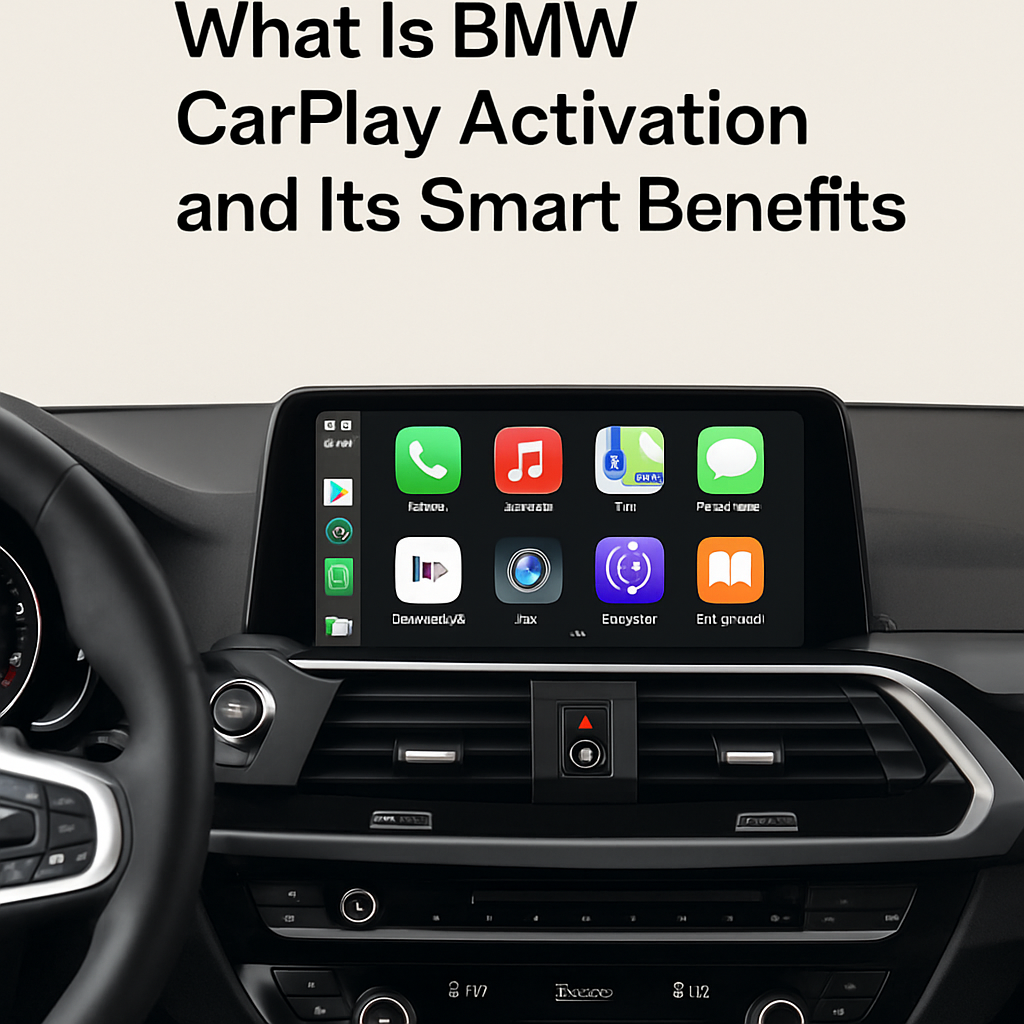
BMW CarPlay activation gives BMW drivers a smarter and easier way to use an iPhone inside the car. It brings useful phone apps to the BMW iDrive screen. Drivers can use maps, make calls, send messages, and play music with fewer distractions. Apple CarPlay also makes older compatible BMW systems feel more modern. For drivers in Pakistan, this feature can improve daily trips through busy cities and longer motorway journeys. This guide explains how activation works, which BMW models may support it, and what you should check before choosing a service. It also covers compatibility, wireless use, safety, and the main benefits of adding CarPlay to your BMW.
Key Takeaways About BMW CarPlay Activation
BMW CarPlay can add useful iPhone features to a compatible BMW iDrive system without replacing the complete infotainment unit. However, the exact activation method depends on the vehicle, iDrive version, hardware, and software. Therefore, checking compatibility first can save both time and money.
- Apple CarPlay provides simple access to maps, calls, messages, music, and supported apps.
- Many compatible BMW models can use wireless CarPlay without a USB cable.
- Activation requirements differ by model, production year, iDrive system, and factory hardware.
- A VIN and iDrive check can help confirm whether software activation is possible.
- Professional activation can help protect existing iDrive functions and provide a cleaner setup.
Understanding BMW CarPlay
How Does BMW CarPlay Activation Work in Your Vehicle
BMW CarPlay activation enables Apple CarPlay functions already supported by compatible BMW hardware and software. In many vehicles, the process involves configuring or coding the iDrive system rather than installing a new screen. A Bmw carplay activation service should first identify the BMW model, production date, iDrive generation, and available hardware. After successful setup, a compatible iPhone can connect to the vehicle. The exact procedure can vary, so owners should avoid assuming that one activation method works for every BMW.
What Smart Benefits Does Apple CarPlay Add to BMW
CarPlay creates a familiar interface because it shows supported iPhone apps on the BMW display. Drivers can use Apple CarPlay, Apple Maps, Google Maps, Waze, Spotify, and other supported services. Siri can also handle many voice commands. As a result, drivers can keep more attention on the road instead of repeatedly reaching for a phone. For BMW owners in Pakistan, Bimmercore provides information and services for compatible vehicle upgrades. Proper compatibility checks remain important because features can differ between BMW models and iDrive generations.
Which BMW Models Support Wireless Apple CarPlay Setup
Many newer BMW vehicles support wireless CarPlay, but model name alone does not confirm compatibility. The production year, head unit, iDrive generation, WiFi capability, and current software can affect support. Some BMW F Series and later vehicles may support activation when they contain the required equipment. Other cars may need additional hardware before CarPlay can work correctly. Therefore, owners should provide their VIN and current iDrive details before ordering an activation. This check helps identify the correct option and reduces the chance of buying an unsuitable service.
Features Compatibility and Setup
What Features Can BMW Apple CarPlay Give Drivers
A successful BMW iDrive CarPlay setup places several everyday iPhone functions within easy reach. The available apps depend on Apple support, the phone, and the installed iOS version. While driving, users can control many functions through Siri, iDrive controls, the touchscreen on supported vehicles, or steering wheel buttons. Common features include:
- Turn by turn navigation through Apple Maps, Google Maps, or Waze
- Music and podcasts from supported entertainment applications
- Hands free calls and supported message functions
- Siri voice commands for common tasks
- Access to compatible calendar, audio, and communication apps
How to Check BMW CarPlay Compatibility Before Activation
Start by checking the BMW model, build date, VIN, and iDrive version. Next, identify the installed head unit and confirm whether the vehicle has the hardware required for CarPlay. Systems such as NBT EVO can support CarPlay in certain configurations, while older systems may require extra equipment. Do not rely only on the registration year because BMW can use different infotainment systems within the same model range. A proper BMW CarPlay compatibility check gives you a clearer answer and helps prevent unnecessary software changes or incorrect purchases.
Why Wireless BMW CarPlay Helps With Daily Driving
Wireless CarPlay can make short and long journeys more convenient. Once paired correctly, a compatible iPhone may reconnect without requiring a cable each time you enter the vehicle. This feature is useful for drivers who make frequent trips around Karachi, Lahore, Islamabad, Rawalpindi, and other Pakistani cities. Navigation apps can also provide current routes when mobile data and app services are available. Meanwhile, Siri can help with supported calls and messages. These features make the infotainment system easier to use while keeping familiar iPhone services in one place.
Choosing and Using CarPlay
How to Choose a Safe BMW CarPlay Activation Service
Choose an activation service that checks vehicle compatibility before making software changes. Ask whether the service supports your exact iDrive version and whether extra hardware is required. You should also learn what happens if your BMW software later receives an update. A knowledgeable provider should explain the process, limitations, and requirements in clear language. Avoid services that promise universal compatibility without checking vehicle details. Reliable CarPlay coding should match the installed BMW system and should not depend on guesses about the vehicle based only on its model year.
What Should BMW Owners in Pakistan Check First
BMW specifications can vary in Pakistan because many vehicles arrive through different import channels. Two cars with the same model and year may have different iDrive hardware or software. Therefore, owners should confirm the VIN, head unit, navigation system, and current software before activation. They should also use a compatible iPhone with a supported iOS version. Stable Bluetooth and WiFi functions may matter for wireless operation. These simple checks can make the setup process smoother and help drivers choose between software activation and a hardware based CarPlay solution.
Conclusion
BMW CarPlay activation can be a useful upgrade for drivers who rely on an iPhone for navigation, communication, and entertainment. It can add modern functions while keeping the original BMW dashboard and iDrive experience on compatible cars. However, support varies by vehicle, so checking the VIN, hardware, and software should always come first. BMW owners can visit Bimmercore to explore available BMW upgrades and compatibility information. Choosing the correct solution can provide a cleaner setup, convenient wireless access, and easier control of supported apps during everyday drives in Pakistan.
Frequently Asked Questions
What is BMW CarPlay activation
BMW CarPlay activation enables Apple CarPlay on a compatible BMW iDrive system. It lets drivers use supported iPhone apps for navigation, calls, messages, music, and voice commands through the vehicle display and available BMW controls.
Can I activate Apple CarPlay on any BMW
No. BMW CarPlay support depends on the model, build date, iDrive generation, head unit, software, and installed hardware. A VIN and iDrive compatibility check can show whether software activation works or whether additional equipment is required.
Does BMW CarPlay work wirelessly
Many compatible BMW systems support wireless Apple CarPlay. The iPhone usually connects through Bluetooth and WiFi functions. Support depends on the vehicle hardware, iDrive software, and phone, so owners should confirm compatibility before arranging activation.
Will BMW CarPlay activation replace my iDrive system
Usually, software based activation does not replace the existing iDrive system when the vehicle already has compatible equipment. CarPlay works alongside BMW functions. Vehicles without the necessary hardware may require a different solution or additional components.
What information is needed before BMW CarPlay activation
You may need to provide your BMW VIN, model, production year, iDrive version, and information about the installed head unit. These details help determine compatibility and whether your vehicle needs software activation or additional hardware.