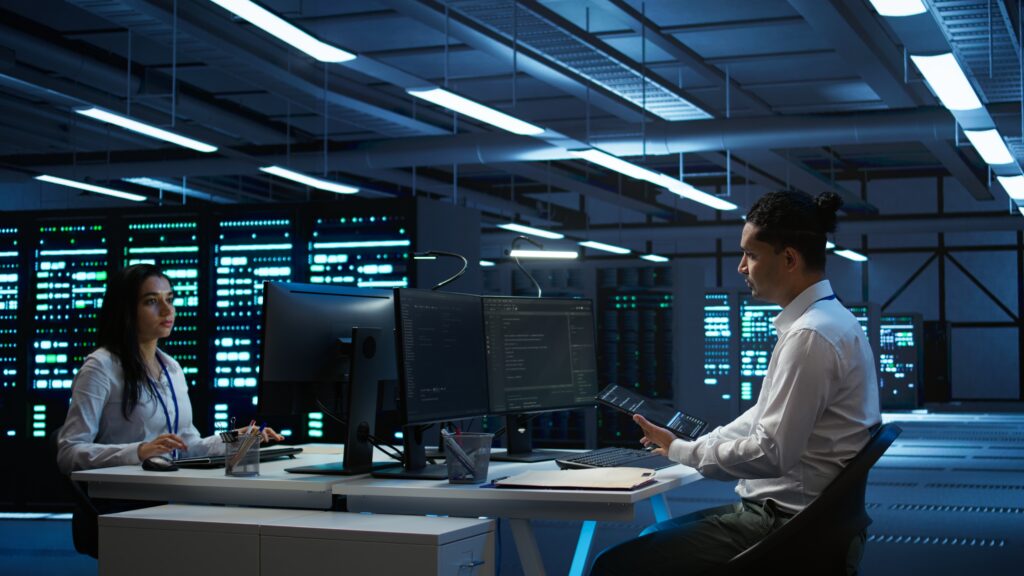
When infrastructure grows faster than an IT team’s ability to observe and manage it, performance problems can become harder to detect. A server may run out of resources, network traffic may increase unexpectedly, or an application may begin responding slowly.
Infrastructure performance monitoring provides IT teams with continuous visibility into these changes. It helps administrators understand how systems are performing and identify potential problems before they affect business operations.
For organizations focused on sustainable growth, infrastructure monitoring can become an important part of day-to-day IT operations.
What Is Infrastructure Monitoring and Why Does It Matter?
Many businesses ask what is infrastructure monitoring when evaluating tools for managing growing technology environments.
Infrastructure monitoring involves continuously collecting and analyzing information about IT infrastructure. Depending on the monitoring platform, this can include servers, virtual machines, network devices, storage systems, databases, cloud resources, and other components.
Monitoring tools can track metrics such as:
- CPU utilization
- Memory consumption
- Disk usage
- Network bandwidth
- Latency
- Server uptime
- Storage performance
- System errors
- Resource availability
The collected information gives IT teams a clearer picture of infrastructure health.
Growing Infrastructure Requires Better Visibility
A small organization may have only a few servers and network devices. IT personnel may be able to monitor these systems manually.
However, infrastructure becomes significantly more complicated as a company expands.
A growing organization could have physical servers, virtual machines, cloud workloads, multiple offices, remote employees, databases, SaaS platforms, and interconnected networks.
Manually checking every component is inefficient.
Infrastructure monitoring creates a centralized method for observing these systems. IT teams can view important metrics from dashboards and receive notifications when specific conditions occur.
This reduces the dependence on manual infrastructure inspections.
Detect Problems Before Users Report Them
One of the major benefits of monitoring is early detection.
Without monitoring, an IT team may learn about an issue only when employees or customers experience it. For example, users may report that an application is slow before administrators realize that a server is running out of memory.
With infrastructure performance monitoring, abnormal resource usage can trigger an alert.
An administrator can investigate the issue while the service is still operating.
This proactive approach can help reduce the duration and impact of infrastructure incidents.
Improve IT Team Productivity
As infrastructure expands, IT employees can spend a considerable amount of time performing repetitive checks.
Monitoring automates many of these activities.
Instead of manually checking disk capacity on individual systems, a monitoring platform can track storage utilization continuously. Instead of repeatedly checking whether servers are online, teams can receive alerts when availability changes.
This allows IT professionals to focus on higher-value work, such as infrastructure improvements, security initiatives, application deployments, and strategic technology planning.
In this way, monitoring can help organizations scale infrastructure without increasing manual workload at the same rate.
Identify Resource Trends
Infrastructure requirements rarely remain constant.
CPU consumption may increase as applications gain users. Storage requirements may grow as organizations collect more data. Network traffic may increase as employees adopt cloud applications and video collaboration tools.
Monitoring provides historical information about these trends.
For example, if storage utilization has increased steadily for several months, an IT team can plan additional capacity before existing storage becomes critically low.
This makes infrastructure management more predictable.
Support Capacity Planning
Capacity planning is especially important for growing businesses.
Adding resources too early can increase costs, while waiting too long can create performance problems.
Historical monitoring data can help IT teams make more informed decisions.
They can examine resource utilization over time and determine whether additional computing power, memory, storage, or network capacity may be required.
This data-driven approach can be particularly valuable for organizations managing hybrid environments where resources may be distributed between data centers and cloud platforms.
Faster Troubleshooting
When something goes wrong, the speed of diagnosis can have a major effect on incident resolution.
Infrastructure monitoring provides historical and real-time information that can help IT teams investigate incidents.
Consider an application that suddenly becomes slow. Administrators can examine infrastructure metrics to determine whether CPU usage, memory consumption, network latency, database activity, or another factor changed around the same time.
Instead of investigating every component without direction, the team can use monitoring information to narrow the problem.
Monitor Distributed Environments
Modern infrastructure is increasingly distributed.
Organizations may use multiple cloud providers, remote offices, data centers, virtual environments, and SaaS applications.
This makes centralized visibility more important.
Infrastructure monitoring can bring information from different systems into a common monitoring environment. IT teams can then track infrastructure health without relying entirely on separate manual checks.
This is useful for businesses with remote employees and geographically distributed operations.
Establish Meaningful Alerts
Too many alerts can create another problem: alert fatigue.
If IT teams receive notifications for every minor change, important issues can become difficult to identify.
A well-designed infrastructure monitoring strategy should therefore use meaningful thresholds and alert conditions.
For example, a temporary CPU spike may not require immediate intervention. Continuous high CPU utilization combined with increasing application response times may be more significant.
Organizations should configure alerts according to business requirements and infrastructure behavior.
Improve Long-Term IT Planning
Monitoring is not only about responding to immediate problems. The information collected can support longer-term planning.
IT managers can use historical data to evaluate infrastructure performance, identify recurring problems, understand utilization patterns, and plan upgrades.
This creates a feedback loop between daily operations and long-term infrastructure strategy.
As the company grows, this information can help teams understand how technology requirements are changing.
Conclusion
Scaling an IT environment requires more than adding servers, applications, or cloud resources. IT teams also need visibility into how those resources perform.
Infrastructure performance monitoring provides that visibility by continuously tracking infrastructure health and resource utilization.
Understanding what is infrastructure monitoring also highlights its broader role in modern IT operations. It can help teams detect issues earlier, reduce repetitive manual checks, improve troubleshooting, plan capacity, and manage distributed infrastructure.
As technology environments become more complex, infrastructure monitoring gives IT teams the information they need to manage growth with greater consistency and control.